

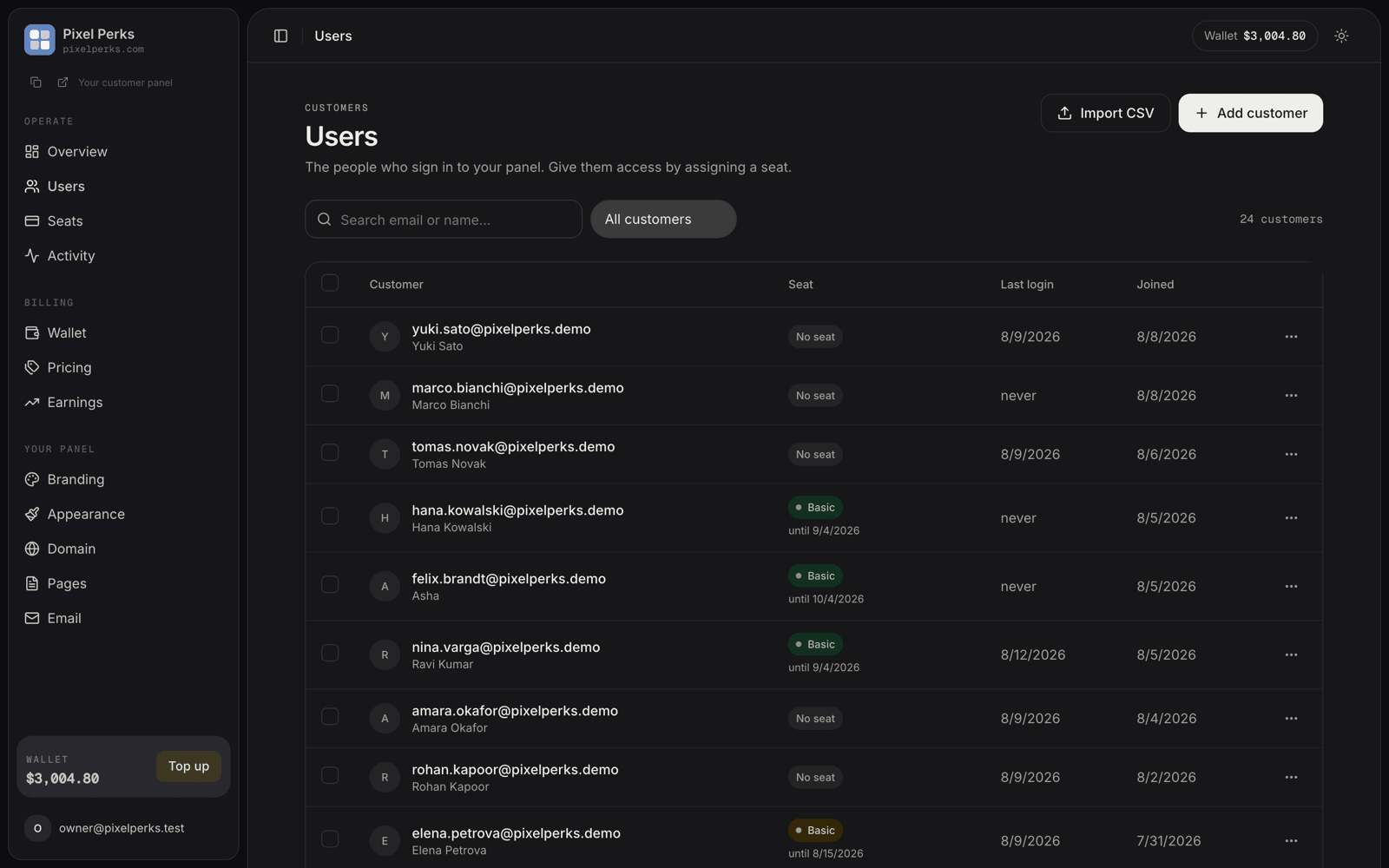
Users — every customer on your panel, and whether they hold a seat.
The list
Adding a customer
Press Add customer. You need their email and first name; last name is optional. Then choose how they get in.- Send an invite
- Set a temporary password
The customer receives a branded email inviting them to set their own password.Use this when you know the address is live and monitored. The email carries your branding and links to your domain — see Email and SMTP.
Importing customers from a CSV
If you already have a customer base elsewhere, you do not have to retype it. Import CSV opens a three-step wizard.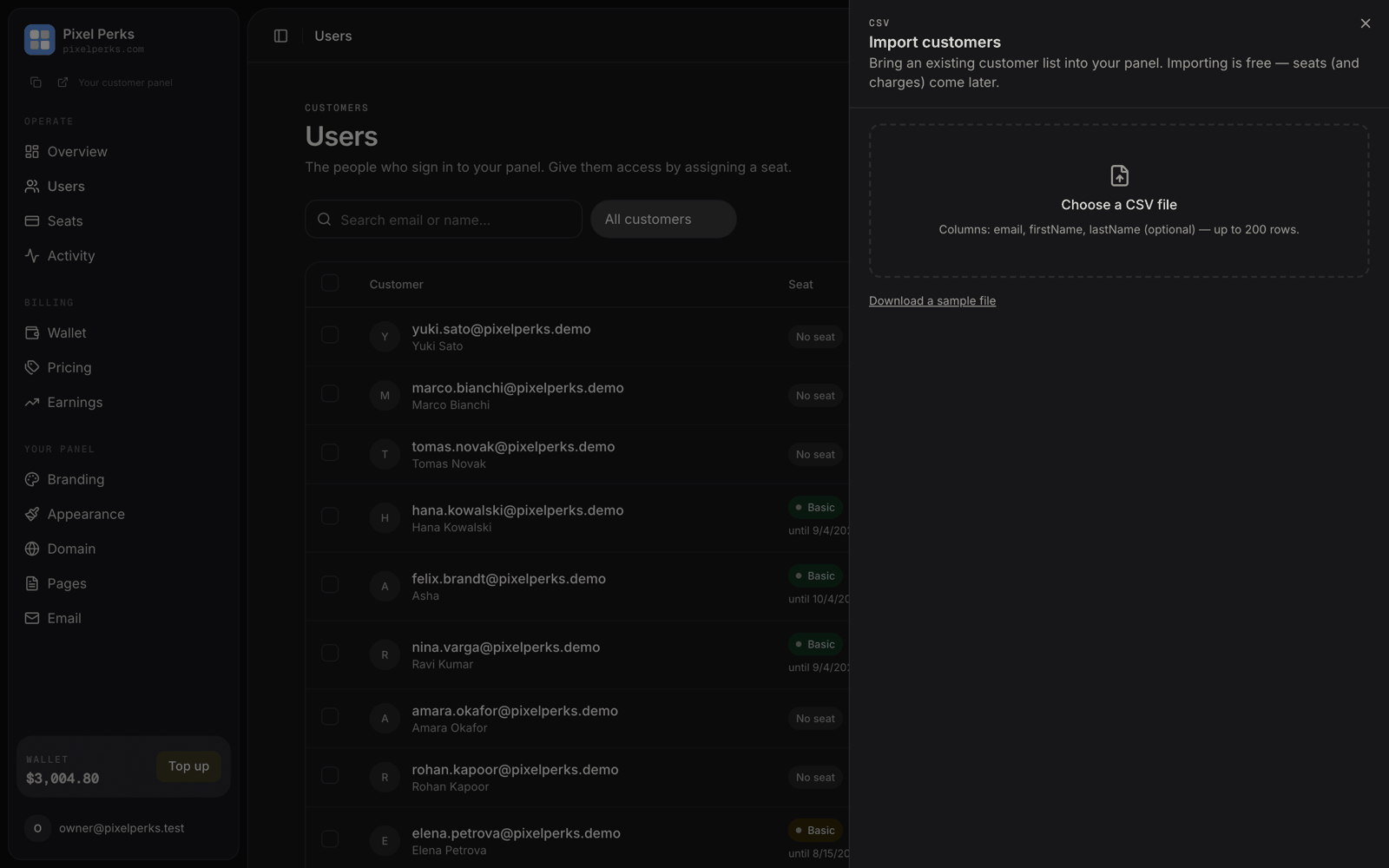
Import CSV — every row is checked before anything is created.
1
Choose your file
Columns are
email, firstName and lastName — the last one optional. A sample file is downloadable inside the dialog.Up to 200 rows per file. Split a larger list and run it more than once.2
Preview
Nothing is created yet. Every row is checked and labelled:
You also choose how they are welcomed: send a set-password invite to each customer, or no email — in which case they activate later using “Forgot password” on your sign-in page.
3
Import
Accounts are created and each row reports its own result. Skipped or failed rows can be downloaded as a CSV, fixed, and run again.
Importing is always free. No wallet charge is involved, because importing creates accounts without access. Seats — and charges — are a separate, deliberate step.
Bulk actions
Select customers with the checkboxes and an action bar appears.Assign seat (N)
Assign seat (N)
Choose one plan for everyone selected. The dialog shows the per-seat rate, the total cost and your wallet balance after — and refuses outright if your wallet cannot cover it.Confirming requires typing the total amount, the same protection used for bulk extend.Results are reported per customer. A customer who already holds that plan is extended by 30 days rather than charged twice, a failed row never blocks the others, and only successful rows are charged.Up to 100 seats per batch.
Sign out (N)
Sign out (N)
Ends every active session for the selected customers. Their accounts and seats are untouched — they simply have to sign in again.
Remove (N)
Remove (N)
Deletes the selected accounts. Customers holding a live seat are skipped and named rather than silently deleted — remove the seat first if you really mean to delete them.
The customer drawer
Click any row to open it.Resetting a customer’s password
When a customer forgets their password or loses access to their email, you fix it yourself — no need to contact us.Email a reset link
“Best when they can still read their email.” A branded reset link goes to their address.
Set temporary password
“Use when they cannot receive email — send it to them yourself. They must change it at next sign-in.” Generate creates a strong one for you.
Resetting a password signs the customer out everywhere. That is exactly what you want if the reason for the reset is that someone else got hold of the account.