> ## Documentation Index
> Fetch the complete documentation index at: https://reseller-docs.gfxtoolz.ai/llms.txt
> Use this file to discover all available pages before exploring further.
# Activity
> What your customers actually use — tool launches and sign-ins, recorded server-side.
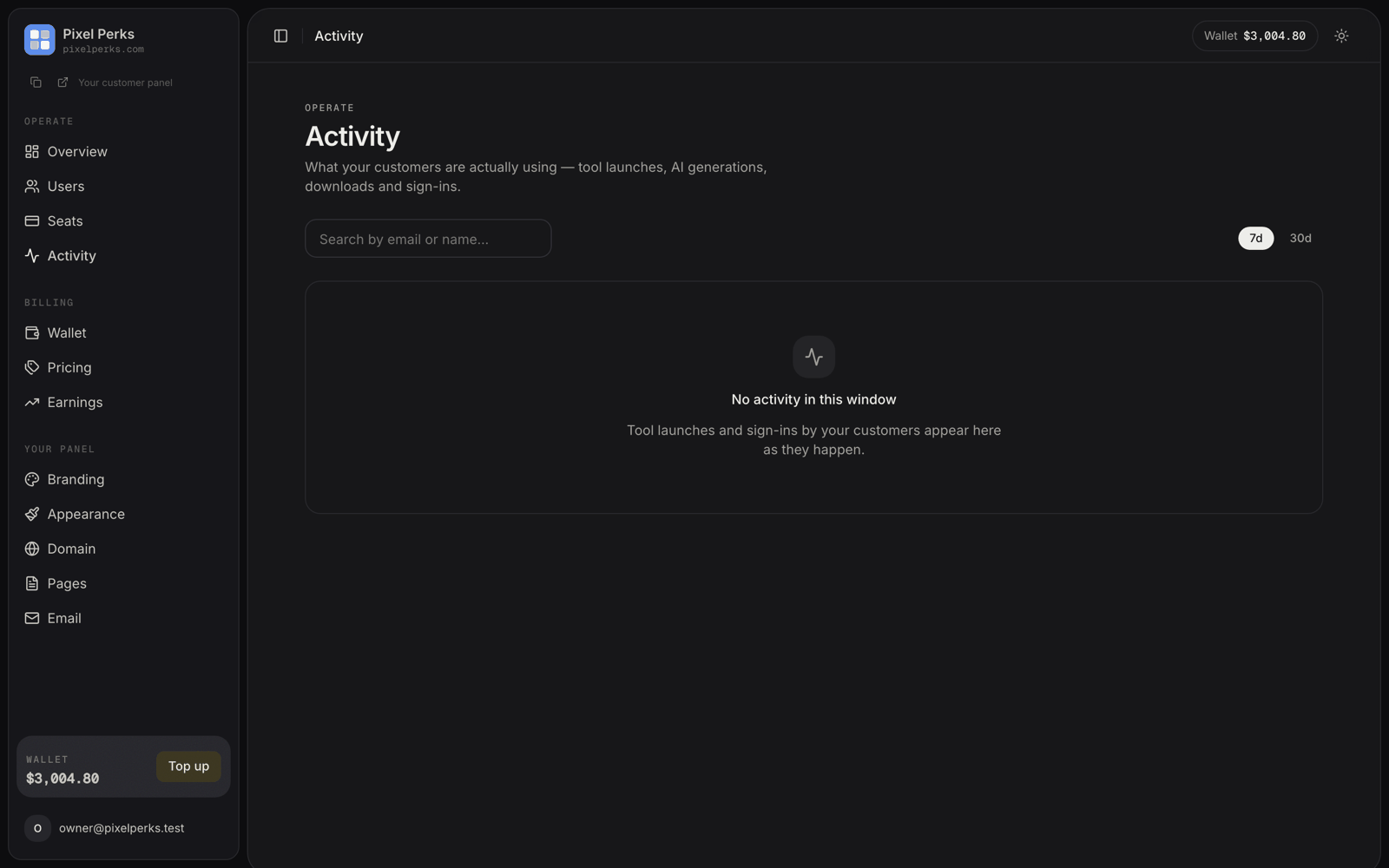
**Activity** shows what your customers actually do on your panel — which tools they open, and when they sign in.
It lives under **Operate** in your sidebar.
## What appears in the feed
Every tool a customer opens — cloud tools, extension tools, login tools, AI generations, external apps and downloaders — with the tool name and a category chip.
Successful and failed sign-ins, each with the IP address and location.
Search by customer email or name, and switch the window between **7 days** and **30 days**. The feed is paginated.
## Per-customer history
Open any customer from the [Users](/panel/users) page and their drawer carries an **Activity** card — a 30-day snapshot showing total tool events, sign-in count, failed sign-ins and their three most-used tools.
**Full history →** opens the Activity page pre-filtered to that customer, with a 90-day window and a Tools / Sign-ins filter.
## Why this is trustworthy
Everything here is recorded **server-side**, from the systems that actually granted the access. None of it is reported by the customer's browser, so none of it can be faked by a customer.
That matters, because it means you can rely on it in a billing dispute.
Tools you have hidden from your panel never appear in the feed, even if a customer reached them some other way. Your customers only ever see — and you only ever see — your own catalogue.
## How to use it
*"What am I paying for?"* becomes a fact rather than an argument — you can tell a customer they opened a tool 47 times last month.
A customer with **zero usage** approaching renewal is about to lapse. That is the one worth messaging before the expiry date, not after.
Heavy usage near expiry is the easiest renewal you will ever make. Cross-reference with **Expiring ≤5d** on [Earnings](/panel/earnings).
Sign-ins from many locations in a short window usually means a shared login. Pair with the device list in the customer's drawer.
Failed sign-ins clustered on one account are worth a look — either the customer has forgotten their password and needs a reset from you, or someone is trying to get in.